

You can–and hopefully will!–use your own images, music, and video on Open Lab course, hub, and portfolio sites. However, if you do decide to use media other than your own, whether a photo or music, you should make sure it’s media that the owner/creator has licensed other people to use for free, and that you remember to give proper credit (attribution) when you use that media.
Attributing images
Creative Commons is a nonprofit organization that provides free, standardized copyright licenses; these licenses allow people to take creative work they own the copyright to and make it available to the public for free and legal sharing, use, repurposing, and remixing.
In other words, CC licenses let people change their copyright from the default “all rights reserved” to “some rights reserved.” Creative Commons licenses are not an alternative to copyright, but rather modify a creator’s copyright.
You can use Creative Commons-licensed materials as long as you follow the license conditions, one of which is attribution. Usually, a photo credit is printed below the image as a small caption. You will need to include as much of this information as you can:
- Attribution: Give author + what site you got it from + CC license; link to source
- Example: “Brooklyn Street Scenes” by Steven Pisano (CC BY 2.0)
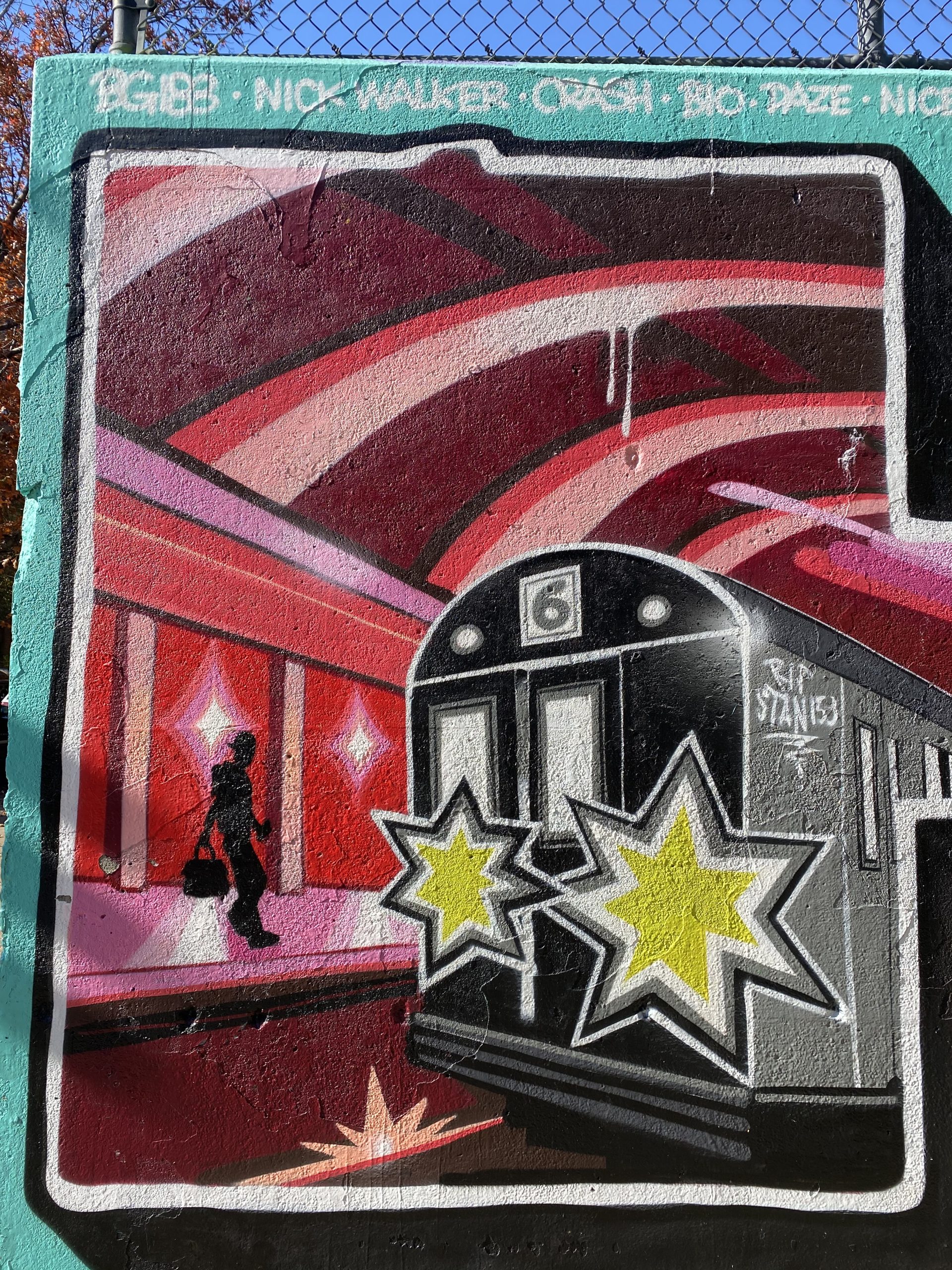
Notice that the attribution goes beyond just giving a link! But, if you use the Creative Commons search engine below, the site will automatically generate an attribution like this for you! For example, Creative Commons generated this attribution for the featured image for this post: “Harlem art” by TheTurducken is licensed under CC BY 2.0.”
Creative Commons image collections
Here are some places you can find images that you can use, usually with attribution, for your sites. You can also use your own images, of course, and you may want to give yourself attribution (“Summer outside my apartment building,” photo by Mabel Mora).
- Flickr (or do a search on Flickr.com and change “any license” to “all creative commons”)
- Wikimedia
- Creative Commons (note that they will provide you with image attributions!)
- https://stocksnap.io/
- Google images (Click Tools>Usage Rights>Creative Commons licenses)
- Getty Images Embed (use the embed code they provide)
- Unsplash
- Little Visuals
- New Old Stock
- Picjumbo
- Gratisography
- Getrefe
- Jay Mantri
- Magdeleine
- Foodiesfeed
- Picography
- ISO Republic
- The Noun Project (for fun icons)
- The Pattern Library (for interesting patterns)
Or, you can Google “creative commons images” or “free to use images” to find sites that offer images you can use with attribution.
Attributing materials automatically, on OpenLab
With the options on some blocks, you’ll see there is a figure of a person in a circle. Click it, and a box will pop open that allows you to put in the information about the media. If it’s your own media, you can determine whether you want to put a copyright on it (so other people are not allowed to use it without your permission)–or, you can share it under the Creative Commons license of your choice!


Leave a Reply